Trips and locations
A trip is the container for everything else: the places, the plan, the files, the people and the money. The trips list is what you land on.
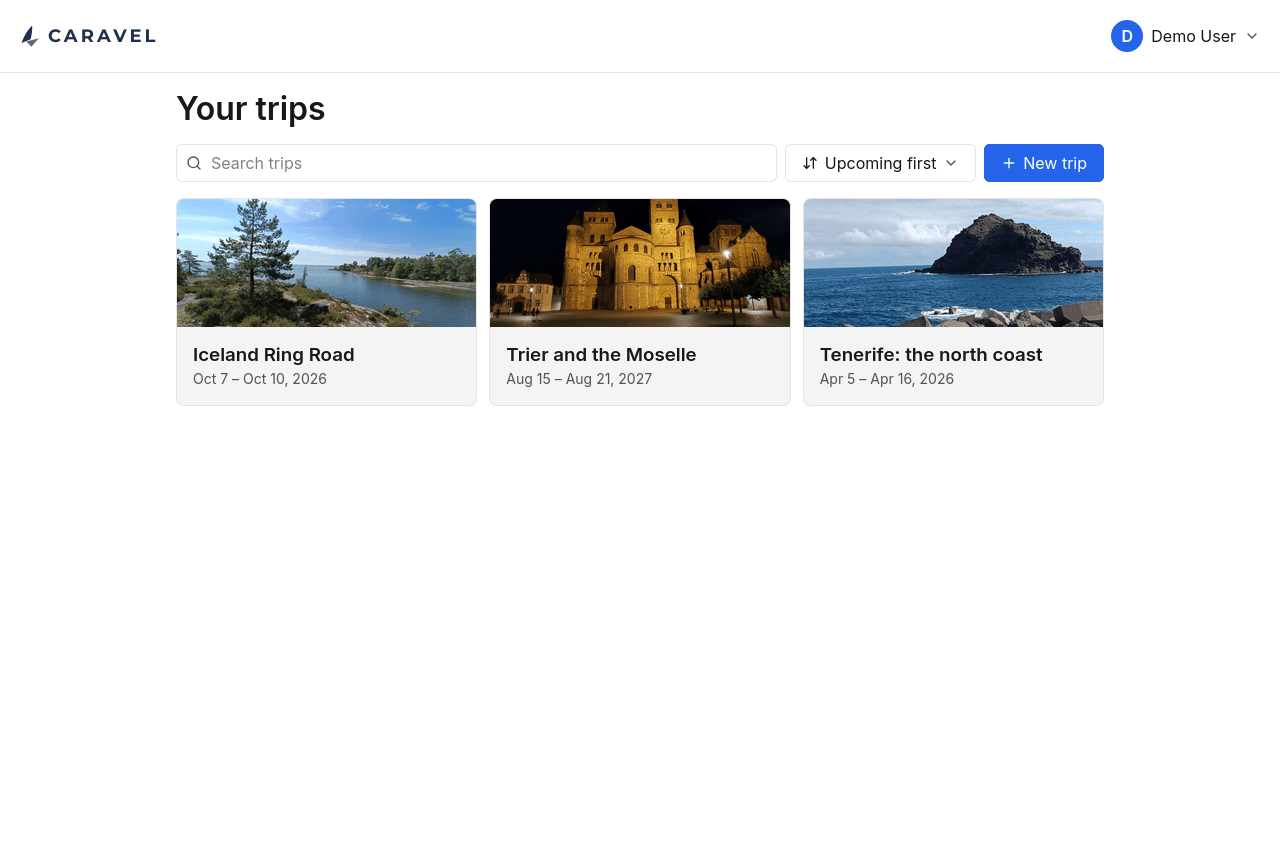
Each card carries a cover photo, the title and the dates. Trips can be searched and sorted, which starts mattering somewhere around the tenth one.
The list opens on Upcoming first: the trip you are on or about to take is at the top, the rest of the future follows in the order it will happen, and past trips come after it with the most recent one first. Trips with no dates yet sort last, because unscheduled is not the same as imminent. The other two orders are Name, A–Z, and Added, newest first. Pick either one again and it runs the other way: Z–A, or oldest first. Whichever order you pick, in whichever direction, is what the list opens on next time.
Inside a trip
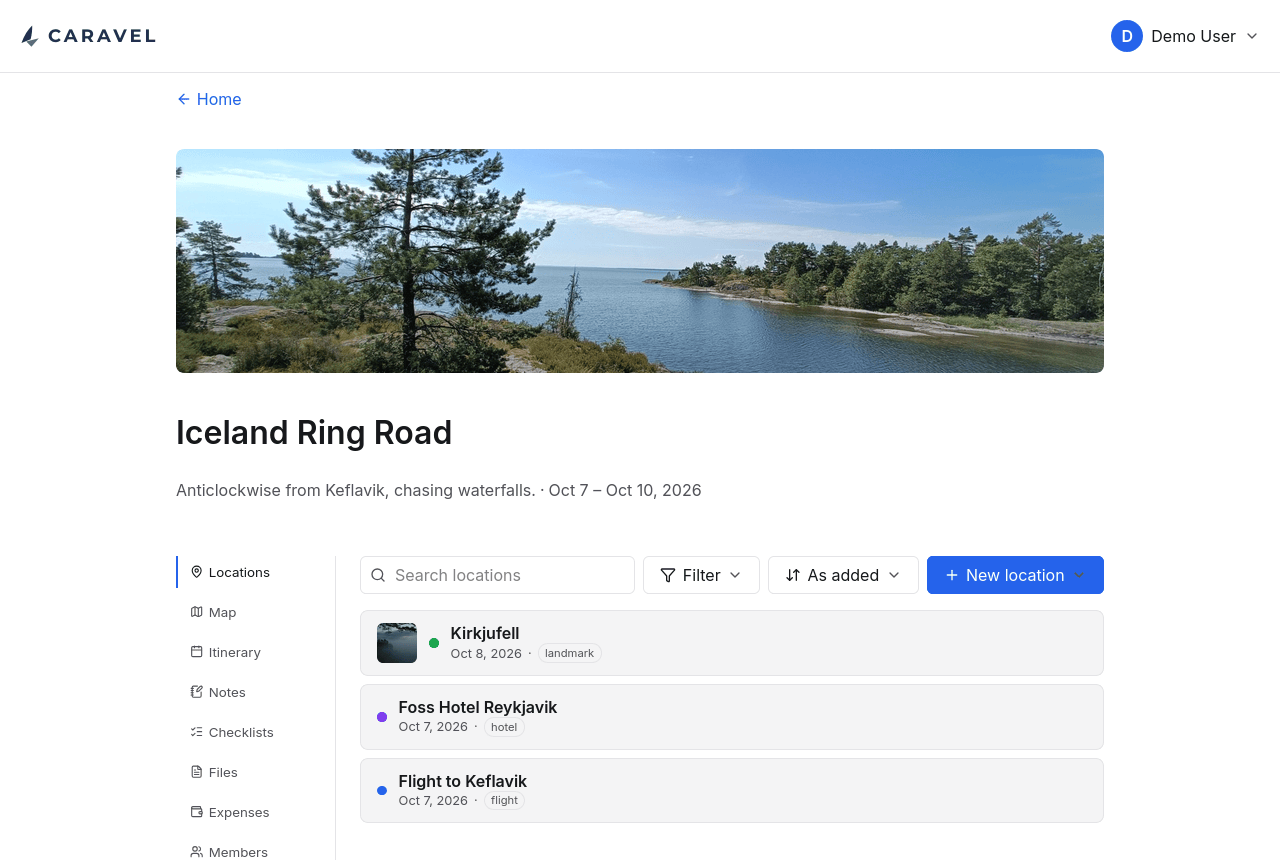
Everything about a trip lives behind one row of tabs. The cover photo, title, subtitle and dates stay at the top wherever you are in it.
Locations
A location is anywhere the trip touches, and it is one of four kinds:
| Category | For |
|---|---|
| Site | Somewhere you are going — a waterfall, a museum, a viewpoint |
| Stay | Somewhere you are sleeping |
| Transport | A flight, a ferry, a train, a car hire |
| Area | Somewhere you are in rather than at — a district, a valley, a park |
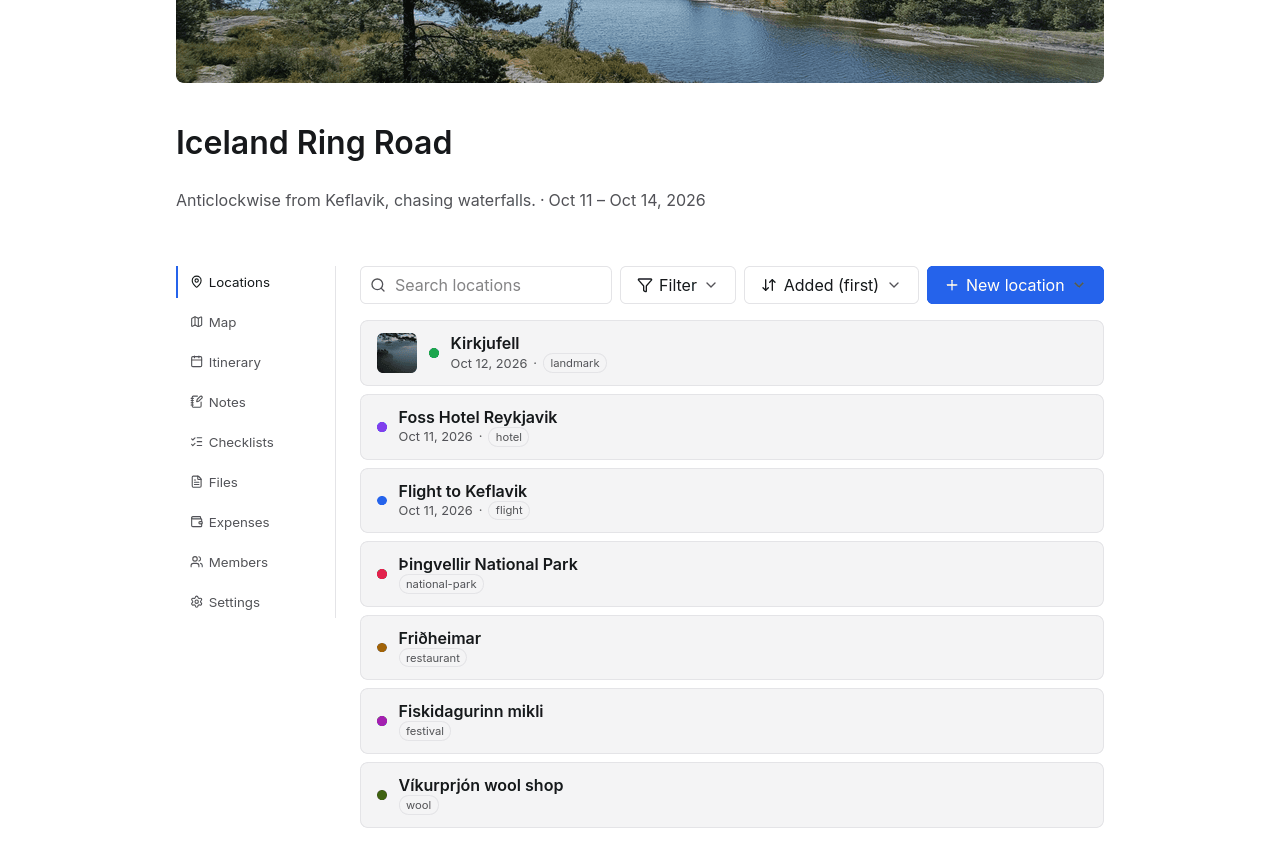
Everything that narrows the list lives behind one Filter button: category, distance from you, tag, and date. Each row shows what that filter is currently set to, so the state of all four is readable without opening anything, and "Clear filters" appears at the top as soon as one of them is narrowing the list. Beside it, Sort offers the order things were added, by name, or by date. Pick the current order again to reverse it, for the newest locations first or the latest dates first. Locations with no dates yet sort last in both directions, because unscheduled is not the same as imminent.
Beyond the category, a location carries tags: a free list of keywords whose meaning is yours to choose. A kind of place, a city, a region, whose idea it was — the app never interprets them, it only stores what you type and offers it back. The editor suggests the tags already used elsewhere on the trip, which is how spellings stay consistent without a rule imposing one.
Tags replaced a single free-text "type" field, which was the same idea limited to one word at a time; existing types became tags when that change landed.
A single location
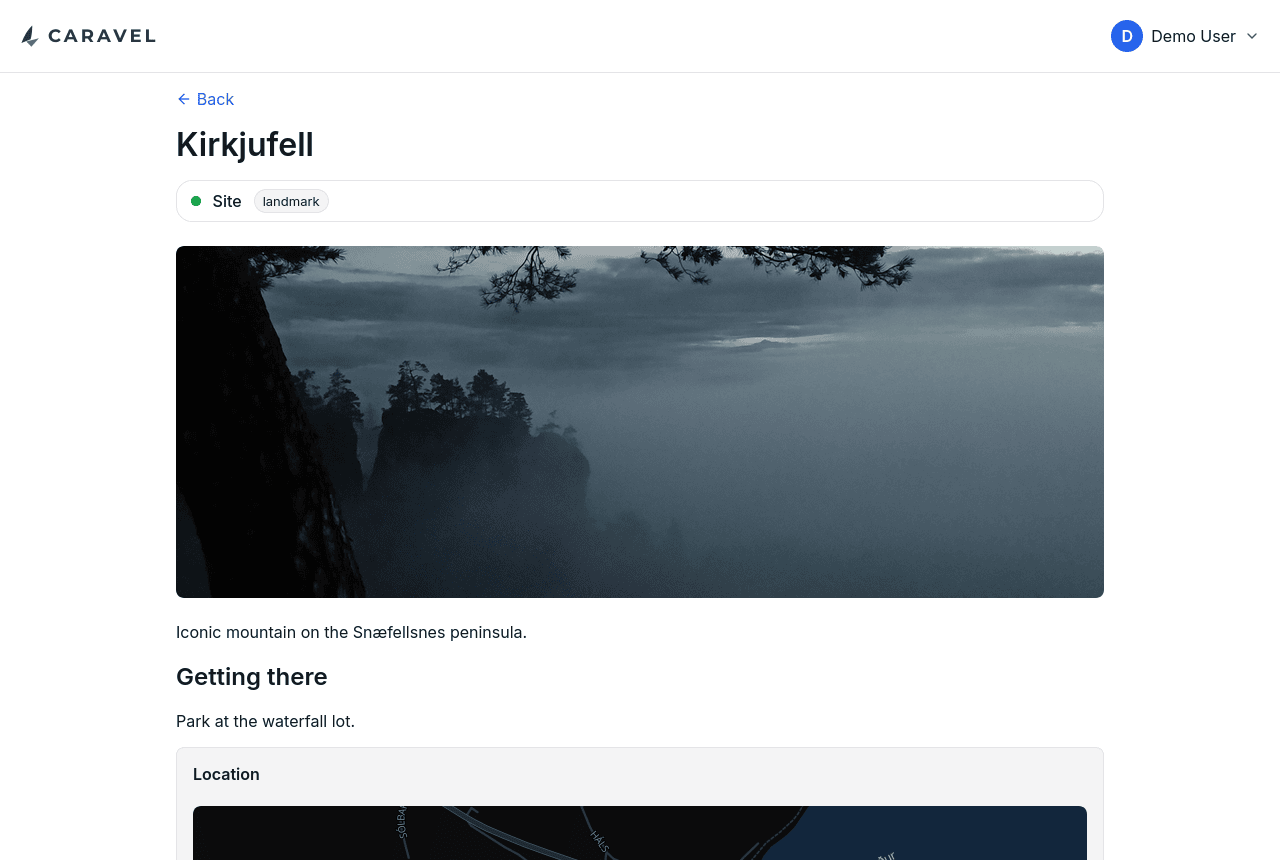
Notes are Markdown, so a location can hold as much or as little as it needs: an address and nothing else, or opening times, a route in from the road, and what to do if the car park is full. Alongside the notes a location can carry coordinates, links, dates, a photo, and files of its own.
Coordinates can be typed, searched for by address, or left out — a location with no coordinates simply does not appear on the map, which is the right answer for "a restaurant somebody recommended, somewhere in the city".
A location's dates are the days it sits on in the itinerary, seen from the other side. Giving a hotel the 5th to the 7th of September puts it on all three of those days, and taking it off the 6th in the itinerary leaves the location showing two dates instead of one range. There is nothing to keep in step, because there is only one fact: a date on a location and a location on a day are the same thing said two ways.
On a phone
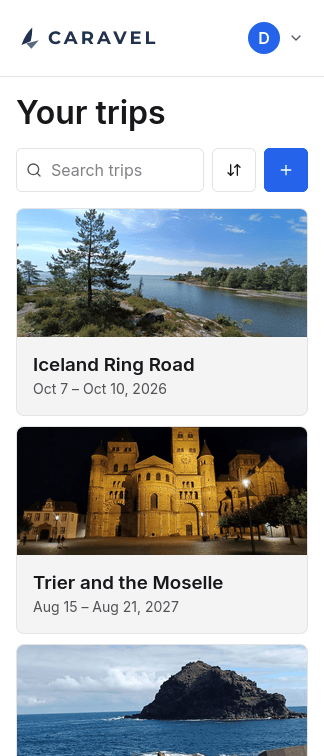
Caravel is installable as a PWA and is built for a phone as much as a desktop — which is the device you actually have with you on the trip. Every screen works down to 324px wide.